The Unemployment Insurance Fund is a government initiative to offer short-term relief to workers who have contributed to the fund and become unemployed or temporarily unable to work through no fault of their own. As the Department is always very busy, people wanting to claim UIF would do well to carefully track their UIF application once it is made, to ensure any issues are dealt with quickly, and your payment is not delayed. Here’s everything you need to know to track your UIF application quickly and easily online.
How to Track your UIF Application
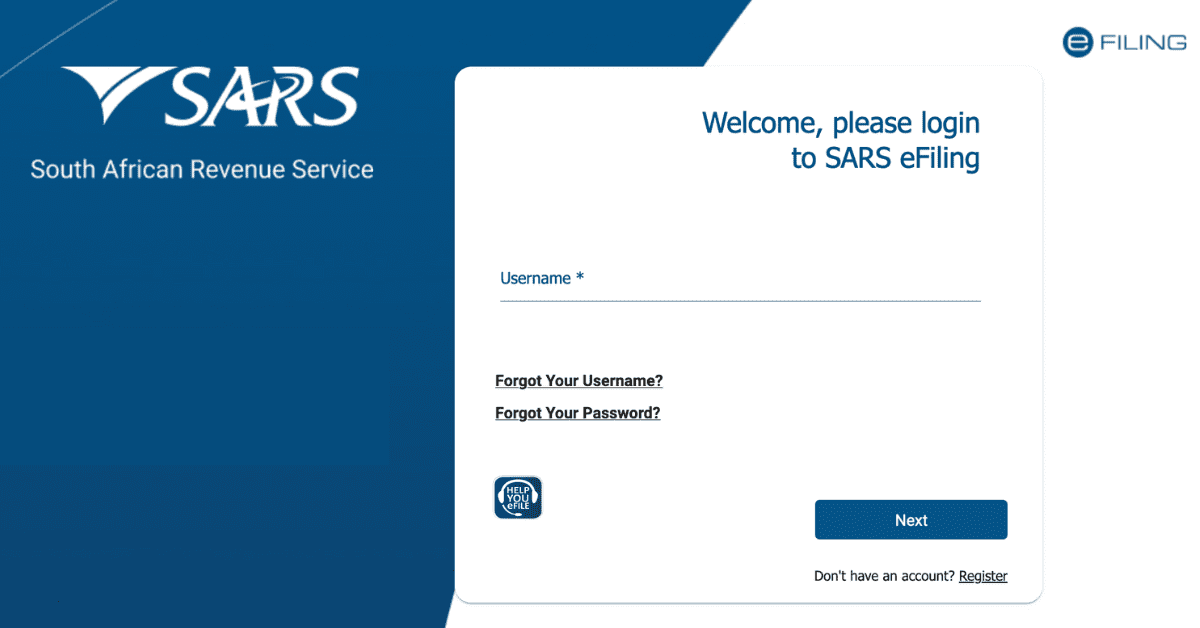
When you first make your UIF application, you will be issued a case number. Keep this to hand, as you need it to track your UIF application. You can track this application by logging on to the UIF portal on uFiling, and logging in with the username and password you chose. From there, you will go through a short verification process, then be asked for your case number. Once this is inputted, you can see the status of your UIF application online.
To better understand the process, let’s recap: When you make a claim, it goes to a moderator who verifies all your information. After this, you will see the status ‘sent to paymaster’. Once it flips to this status, you know you will receive your payout shortly.
How Long Does it Take for UIF to Pay Out?
If the application goes seamlessly, it should take 10 working days for your UIF to pay out. Do note the ‘working days’- so you are looking at roughly 2-3 weeks, depending on when you applied, for it to be processed. Any hitch in the approval process will delay this further. Be aware that, due to high application volumes, you are unlikely to hear from the Department itself if there’s an error in your paperwork, so it pays to stay vigilant and track your UIF application yourself.
How Much is the UIF Payout?
The longer you have been paying into UIF, the more your UIF payout will be (up to a cap). You earn ‘credits’, at a rate of 1 credit for every 4 days of UIF contributing work, up to 365, to help determine the percentage of your average salary you receive.
The UIF will calculate the average salary you earned in the 6 months prior to your claim, capped at R17,712. They then split this into a daily remuneration (your annual average salary divided by the 365 days in the year). They then use something called the Income Replacement Rate (IRR) formula to determine your benefit. You will receive between 38% and 60% of your average salary.
The IRR formula is the IRR = 29.2 (7,173.92 / (239.92 + Daily Rate Calculated) if you’re curious.
How Can I Speed up my UIF Claim?
UIF is handled as part of the broader social works undertaken by the South African government. As with anything bureaucratic, your best way to speed up your UIF claim is to be extra diligent when you make your application. Most UIF delays are unnecessary and caused by missing documents or incomplete/incorrect paperwork.
Critically, you should ensure the following:
- Contact the call centre first to ensure the last 5 years of UIF history are correct. If not, you can address it before you apply. Get the name and email of the person you deal with to make future communications easier.
- Your name on your bank account must match all other documents. Women who have been married or divorced must make sure to prove the name change if necessary.
- Make sure that your bank account and document name matches the details at Home Affairs, too. This goes double for married or divorced women- Home Affairs is not always up to date!
- Do not ‘double claim’ manually and online- choose one method. Otherwise, 2 claims will show and slow your application process.
- Do not send documents separate to your application. Send everything together. Make sure the UI19 and salary schedules are there.
- If you receive TERS, make sure it is paid out in full before you make your UIF application, or 2 claims will show, delaying the process.
The best way to speed up your UIF payments is meticulous attention to detail, ensuring there can be no delay for further verification. As the Department is always backlogged, don’t expect to be informed of delays.
How Do I Find Out if my UIF Payment is Pending?
You can track the status of your UIF payment, as well as perform many other UIF-related tasks, through the uFiling account you created online. Simply log in to the portal, then click on ‘check my balance’. You will be shown some on-screen instructions, including a quick captcha to solve, and then you will have the opportunity to input the reference number your claim was given. From there, you can check your balance and the status of your claim online.
Tracking your UIF application is an important part of the overall application process. If you stay on top of the status of your claim, you can action any requests speedily and make the process of claiming UIF as simple and easy as possible. Armed with these tips, you should feel a lot more confident.