Getting your South African Revenue Service (SARS) tax number via SMS is convenient. This guide will explain how to obtain your tax number using this method and answer common questions about tax numbers and certificates.
How To Receive The SARS Tax Number Via SMS
To get your SARS tax number via SMS, follow these steps:
- Access the Official Website: Visit the official SARS website at www.sars.gov.za.
- Navigate to the SMS Service: Find information about the SMS service for tax numbers. It’s often featured on the site’s”I Need My Tax Number” side.
- Send an SMS: Compose a new SMS on your mobile phone. In the message, include your identity number (ID) or passport number. Send this SMS to the designated SARS number, typically provided on their website.
- Receive Your Tax Number: Shortly after sending the SMS, you should receive a reply from SARS containing your tax number.
- Save Your Tax Number: Once you have your tax number, save it securely, as you will need it for various financial and tax-related transactions.
Can SARS Send The Tax Number Through Email?
SARS (South African Revenue Service) typically provides tax numbers via SMS, a quick and convenient method. However, exploring this option with SARS is advisable if you’re specifically interested in receiving your tax number via email.
SARS has been modernizing its services to offer various digital channels, but SMS is the primary method for tax number delivery. To inquire about email delivery, visit the official SARS website or contact their support channels. You can rely on them for the latest updates on available delivery options.
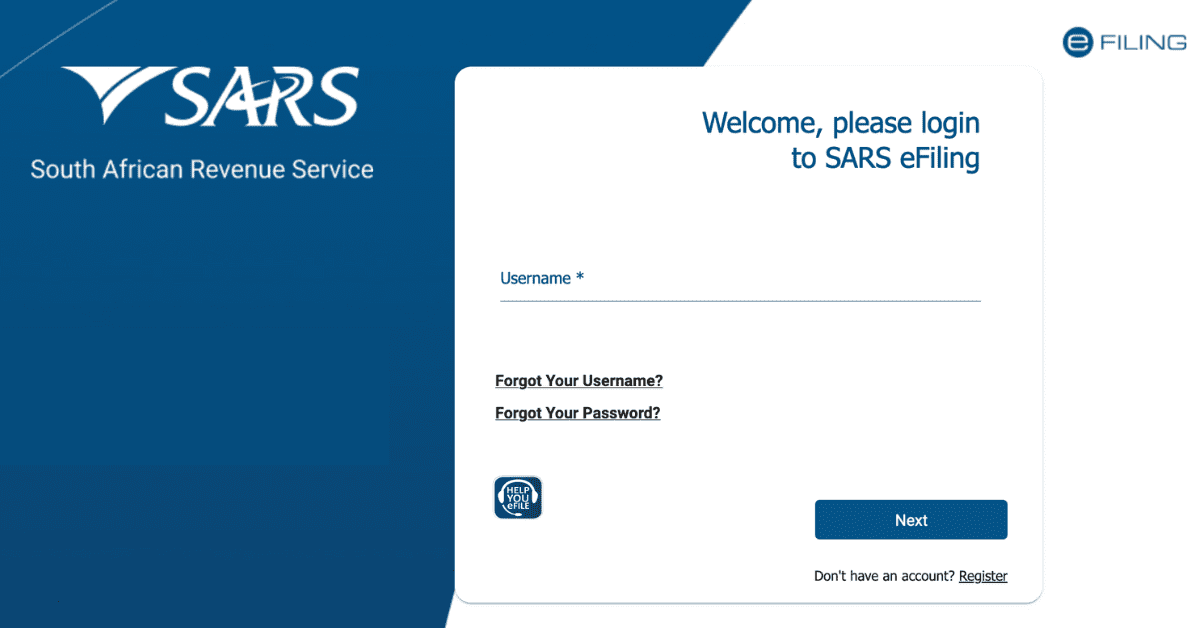
Moreover, SARS provides convenient services like eFiling, granting you access to tax-related documents and online services. While this platform is primarily used for tax filing and management, it’s worth exploring as it might provide access to your tax number.
Can I Get My SARS Tax Certificate Online?
You can obtain your SARS tax certificate online through their e-filing platform. This digital platform simplifies how you access your tax-related records, including certificates, while allowing you to manage your tax matters anywhere.
For online retrieval of your tax certificate, adhere to these steps:
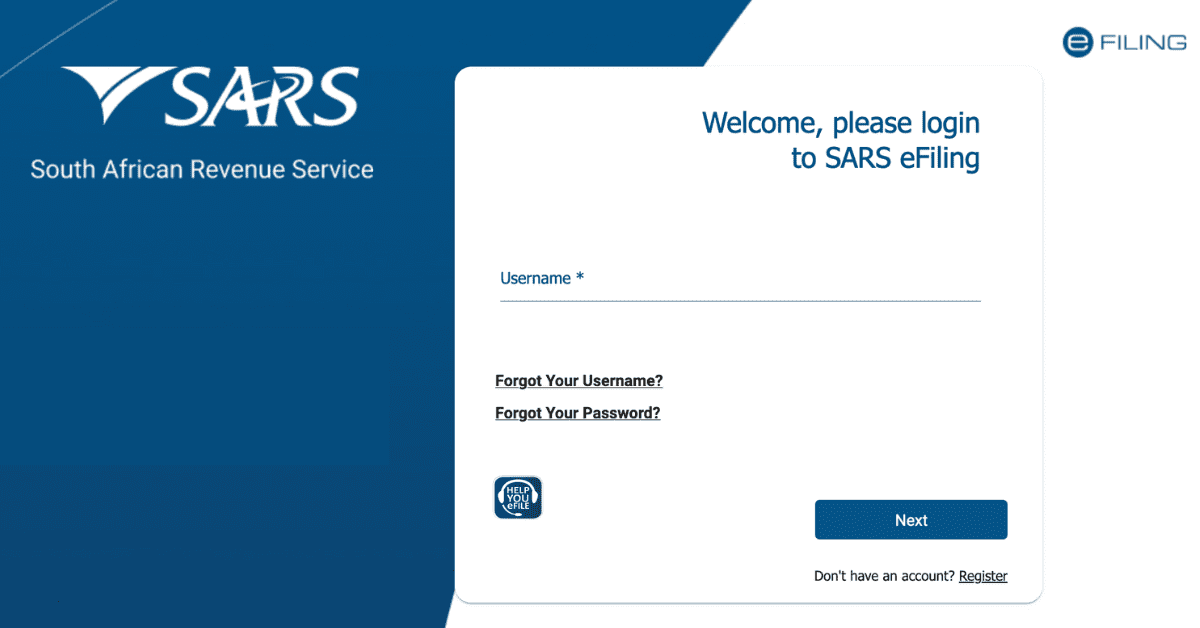
- eFiling Registration: If you haven’t done so, visit the main SARS eFiling website and review the registration procedure. You’ll be required to furnish your personal and tax-related particulars.
- Sign In: Following successful registration, sign in to your eFiling account using your login details.
- Access Your Tax Certificate: Once logged in, navigate to the section to access your tax documents. Your tax certificate should be available for download or viewing.
- Download/Print: You can store a digital version of your tax cert for your personal files. If a hard copy is needed, you can print the cert out.
SARS has been actively advocating the use of eFiling to streamline tax-related procedures. It stands as a secure and effective method for overseeing your tax matters. It’s advisable to periodically check your eFiling account for the availability of your tax certificate, especially during tax filing seasons.
Is Tax Number Similar To Tax Reference Number?
In South Africa, people often use “tax number” and “tax reference number” interchangeably. Both phrases point to the distinct identification number the South African Revenue Service (SARS) assigns individuals and entities for their tax-related needs.
Tax or reference numbers serve as a crucial identifier for taxpayers when interacting with SARS. This identification number comes into play for various tax-related tasks, such as filing your tax returns, settling tax payments, and engaging in financial dealings with the government. It’s worth mentioning that while these terms, “tax number” and “tax reference number,” are often swapped, the specific context can determine which one is used, even though they essentially mean the same thing.
Some people and organizations might prefer one term over the other, but they both refer to the same fundamental concept—a unique identifier that ensures accurate tax administration in South Africa.
How Can I Retrieve My SARS Tax Number?
If you ever find yourself in the unfortunate situation of misplacing your SARS tax digits, fear not. There are well-defined procedures provided by SARS for retrieving it. Check them here:
- Online SARS Contact: Visit the primary SARS page for their “Contact Us side” or “Send us a Query option.” Here, you can initiate a query regarding your lost tax number. Provide the necessary personal details and follow the instructions to request the retrieval of your tax number.
- Visit a Local SARS Branch: Alternatively, you can physically visit a local SARS branch. Bring along your identification documents to prove your identity. The SARS staff will assist you in retrieving your tax number.
- Consider Online Resources: SARS often provides guidelines on retrieving a lost tax number on their website. These resources can be valuable in understanding the process and documentation requirements.
Remember that your tax number is crucial for your financial affairs, so taking steps to recover it if lost is essential. SARS generally responds to queries, and visiting a local branch can provide face-to-face assistance if needed.
Conclusion
Getting your SARS tax number via SMS is a straightforward process. Additionally, SARS provides online services for tax certificates and general tax-related inquiries, making it easier for individuals and businesses to manage their tax affairs.