Registration and activation for PAYE are crucial steps that both employers and employees must undertake. In order to meet their legal obligations and ensure accurate tax deductions, employers are required to activate their PAYE registration with SARS. At the same time, it is important for employees to be registered for PAYE in order to ensure smooth tax contributions. Ensuring compliance with tax
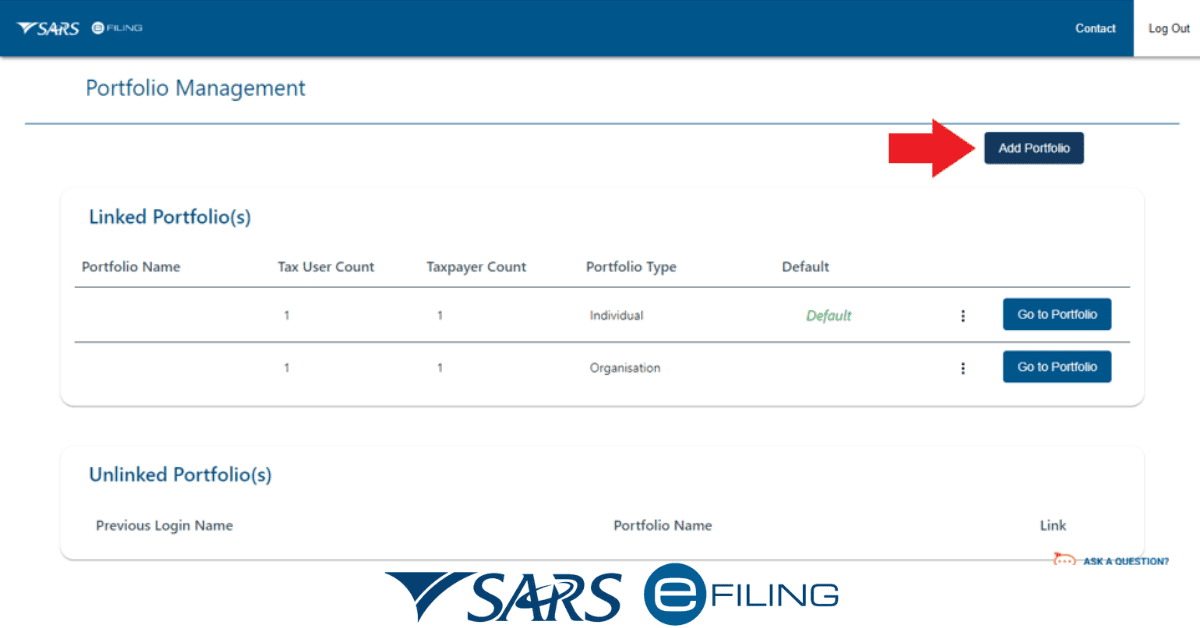
As you continue to read below, there will be guidelines that will assist you in registering your employees and activating PAYE on eFiling.
How to Activate PAYE On eFiling
Activating PAYE on Efiling involves a series of steps. There are times that the process may change due to an upgrade in the system or amendment. It becomes easier for you if you consult SARS on how you can activate eFiling should there be any system change.
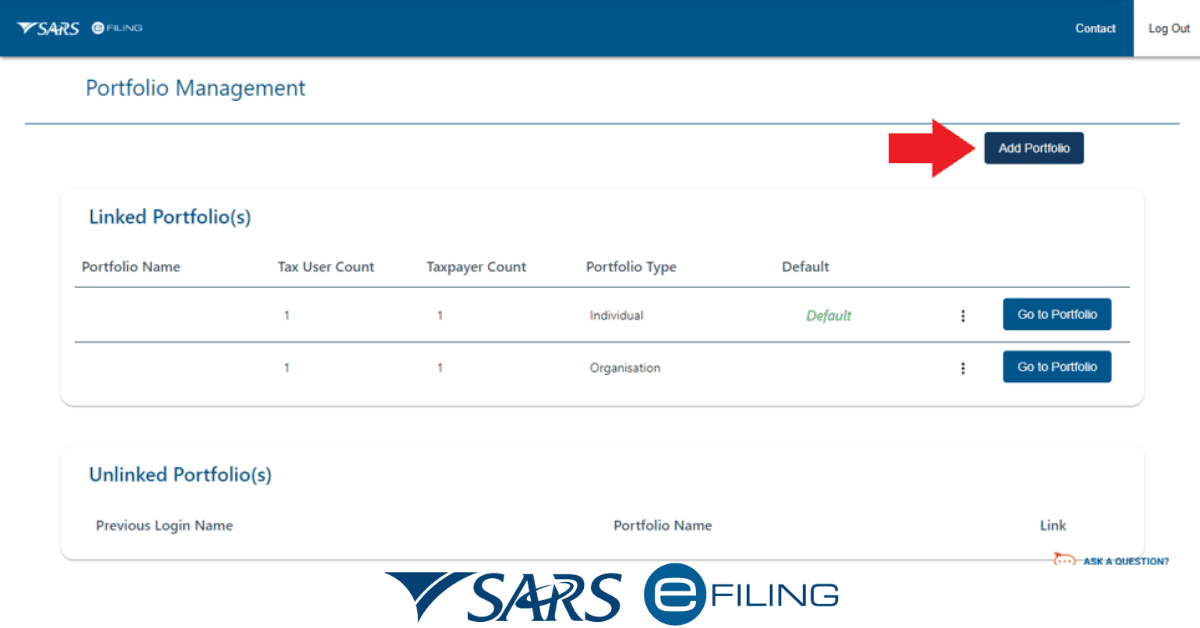
- Log in to your eFiling account.
- Locate and choose the option to register for PAYE.
- Complete the PAYE registration form by providing your business details.
- To submit the form, please use the eFiling system.
- Please be patient and wait for the SARS to review and approve your PAYE activation.
- Receive confirmation for the approval of the activation.
How do I register my employees for PAYE?
Are you an employer looking to register your staff for PAYE in South Africa? Do you have an idea of the required documents? Before registering your employees for PAYE, you must have signed the needed employment contract and ensured they fall within the PAYE threshold.
If you want to register your employees for PAYE in South Africa:
- You can visit the official website of the South African Revenue Service.
- To get started, you will need to obtain the EMP101 form.
- Once you have it, make sure to fill it out with all the necessary and accurate information about your business and employees.
- Finally, you can submit the completed form either by visiting your nearest SARS branch or by using the eFiling system.
- Remember to attach the necessary supporting documents, such as proof of address, copies of your identification, and banking details.
SARS will provide your company with a tax reference number, which will allow you to deduct and remit PAYE on behalf of your employees. It is important to maintain a record of all payments made and regularly submit monthly returns to ensure that we are in compliance with the tax regulations in South Africa.
Who qualifies to register for PAYE?
Because the South African Revenue Service has set a threshold on an amount that needs to be taxed, it is ideal to understand the criteria. These criteria can qualify or disqualify an individual from being registered for PAYE.
Although SARS is keen and serious about making revenue for the country, there are regulations that back the registration and collection of PAYE.
The qualification to register for PAYE is generally based on employment and income.
In order to qualify to be registered for PAYE, you must be an individual who is employed and receives a salary or wages. Individuals who earn below a specific threshold may not have to pay income tax.
In order to be considered valid, employees typically need to have a taxpayer identification number, which is usually provided by SARS. The purpose of this number is to keep a record and handle transactions related to taxes.
If you are not a resident of South Africa, there are certain circumstances that may affect your PAYE contribution.
Do I need to register my domestic worker for PAYE?
Certainly, yes, it is necessary to register your domestic worker for PAYE, but there are certain things to consider before proceeding.
It is legally required to register your domestic worker for PAYE. If your domestic worker’s earnings exceed the tax threshold set by the South African Revenue Service each year, it is necessary for you to register them for PAYE. This process guarantees that income tax is taken out of their earnings and sent to SARS on their behalf.
If you fail to register your domestic worker for PAYE or do not comply with the tax regulations, you may face penalties and legal consequences. It is extremely important to have a clear understanding of the tax responsibilities that come with hiring domestic workers in South Africa. This will help ensure that you are following the law and treating your employees fairly.
How do I find my PAYE number?
It is important to note that locating your PAYE number in South Africa is a vital part of effectively managing your taxes and ensuring that you comply with the tax regulations of the country.
The PAYE number is a special identification number given to both employers and employees by SARS. This system is designed to help keep track of and manage the payment of income tax.
One way you can find your tax number is by referring to the Notice of Registration you received from SARS. When you initially register with SARS, they typically issue a document that contains crucial information, such as your tax number.
A reliable method to acquire this information is by personally visiting the South African Revenue Service office. To ensure that you are properly registered and provide all the necessary details to retrieve your PAYE number, it is recommended that you visit the office in person.